Charts & Graphs
Turn a Table of Numbers into a Chart People Understand at a Glance
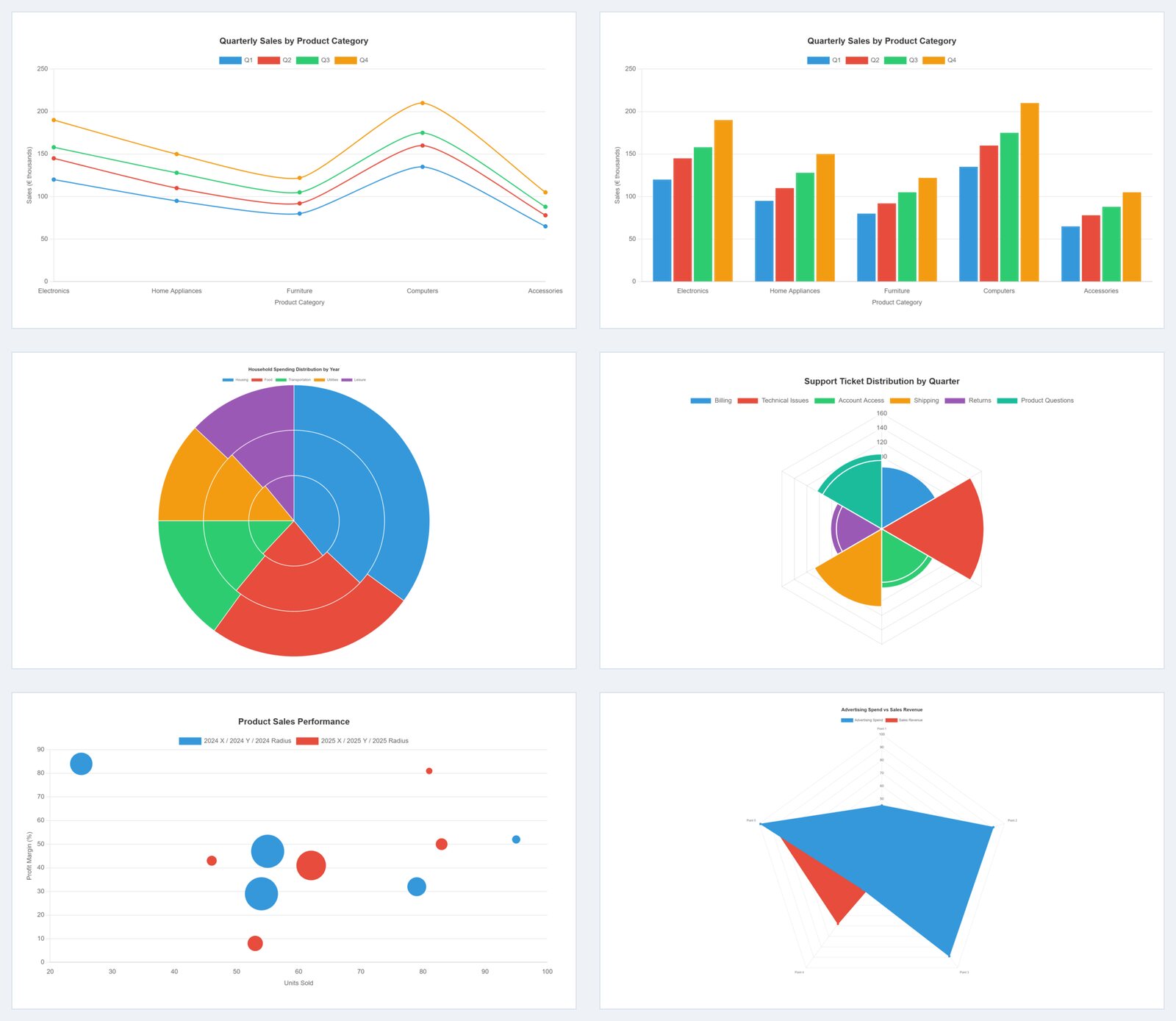
A column of figures makes visitors work. A chart makes the point in one look. Tabulizer's Chart Wizard turns your data into interactive line, bar, pie, radar, polar area, bubble and scatter charts that fit any screen.
What's inside: line charts, bar charts, pie and doughnut charts, radar charts, polar area charts, bubble charts, scatter plots, CSV or manual data entry, live preview, responsive charts, chart title and legend, accessible labels, download as PNG.
What You Get
Seven Chart Types
Line and bar for trends and comparisons, pie or doughnut for shares, radar and polar area for profiles, bubble and scatter for relationships.
Your Data, Three Ways
Paste CSV straight from a spreadsheet, type values in the manual grid, or start from random data to try a layout.
Interactive by Default
Hover or tap a point to see its value, and click a legend item to hide or show a series.
Fits Every Screen
Charts resize with the page, so the same chart works in a wide article and on a phone.
Accessible Labels
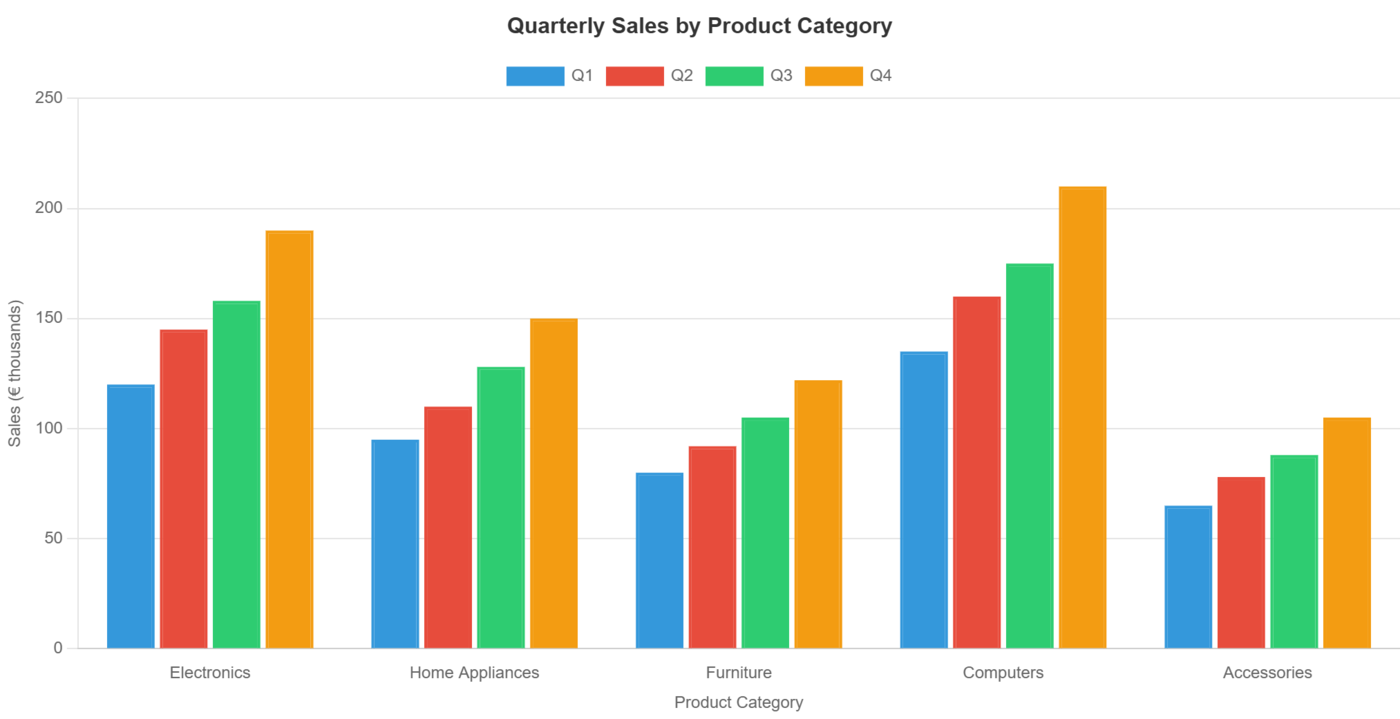
Each chart gets a descriptive label ("bar chart showing Q1, Q2, Q3, Q4 across 5 points") and is linked to its data for screen readers.
Download as Image
Save any chart as a PNG for a newsletter, a presentation or a social post.
Three Steps in the Chart Wizard
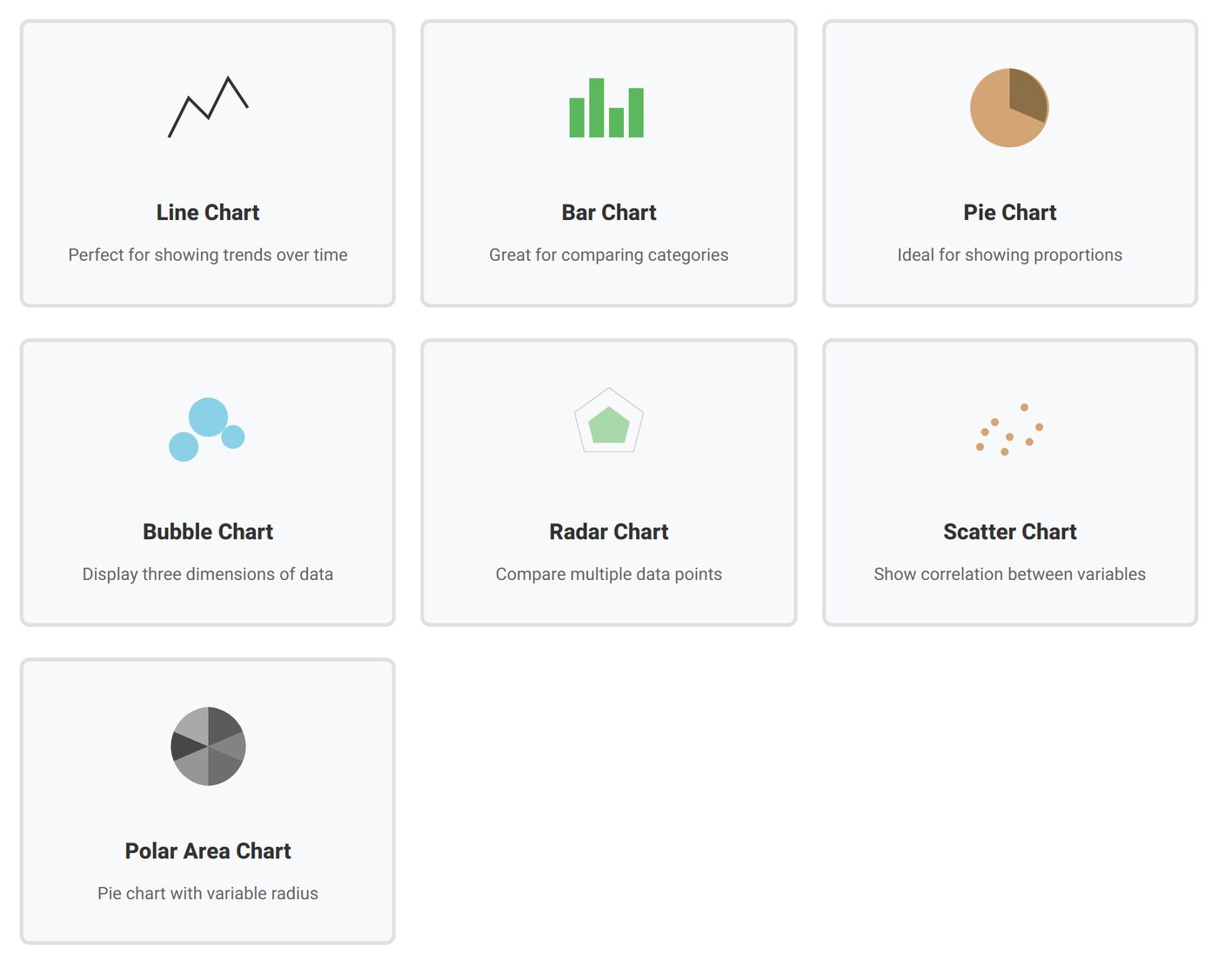
- Chart Type: choose from line, bar, pie, radar, polar area, bubble or scatter.
- Data Source: paste CSV, enter values by hand, or generate sample data.
- Preview & Export: check the result, save it as a ruleset for your site, or download the chart as an image.
Charts That Stay Up to Date
Apply the chart ruleset to a data source such as an Excel file, a Google Sheet or a database query, and the chart redraws from the current data every time the page is shown. No more exporting a new image every month.
Good Fit For
Sales and KPI reports, survey results, budget breakdowns, website and membership statistics, product comparisons, sports and research data, and any page where a table is hiding a trend.
Questions
Can I show the table and the chart together?
Yes. Use the same data source with a table ruleset and a chart ruleset on the same page.
Do I need to know JavaScript?
No. You choose the chart and paste the data; the wizard builds the configuration.
Can I put several charts on one page?
Yes. Our demo page shows seven charts together.
Which membership includes charts?
The Chart Wizard is in Silver (6 months, €58) and Gold (12 months, €96).
See All the Chart Types Live
Hover, tap and toggle series on the demo page, then make yours in the Chart Wizard.