Web Accessibility
Accessible Tables and Data Visualizations for WCAG-Minded Sites
Public bodies, schools and many businesses must publish content everyone can use, including people using screen readers, keyboards or high-contrast settings. Tabulizer builds those needs into the table, not into a checklist you fill in afterwards.
What's inside: table captions (WCAG 2.4.6), ARIA labels and descriptions, column ARIA titles, keyboard navigation, focus management (WCAG 2.4.3), screen reader announcements, accessible responsive list view, high-contrast theme, contrast checks, reduced motion.
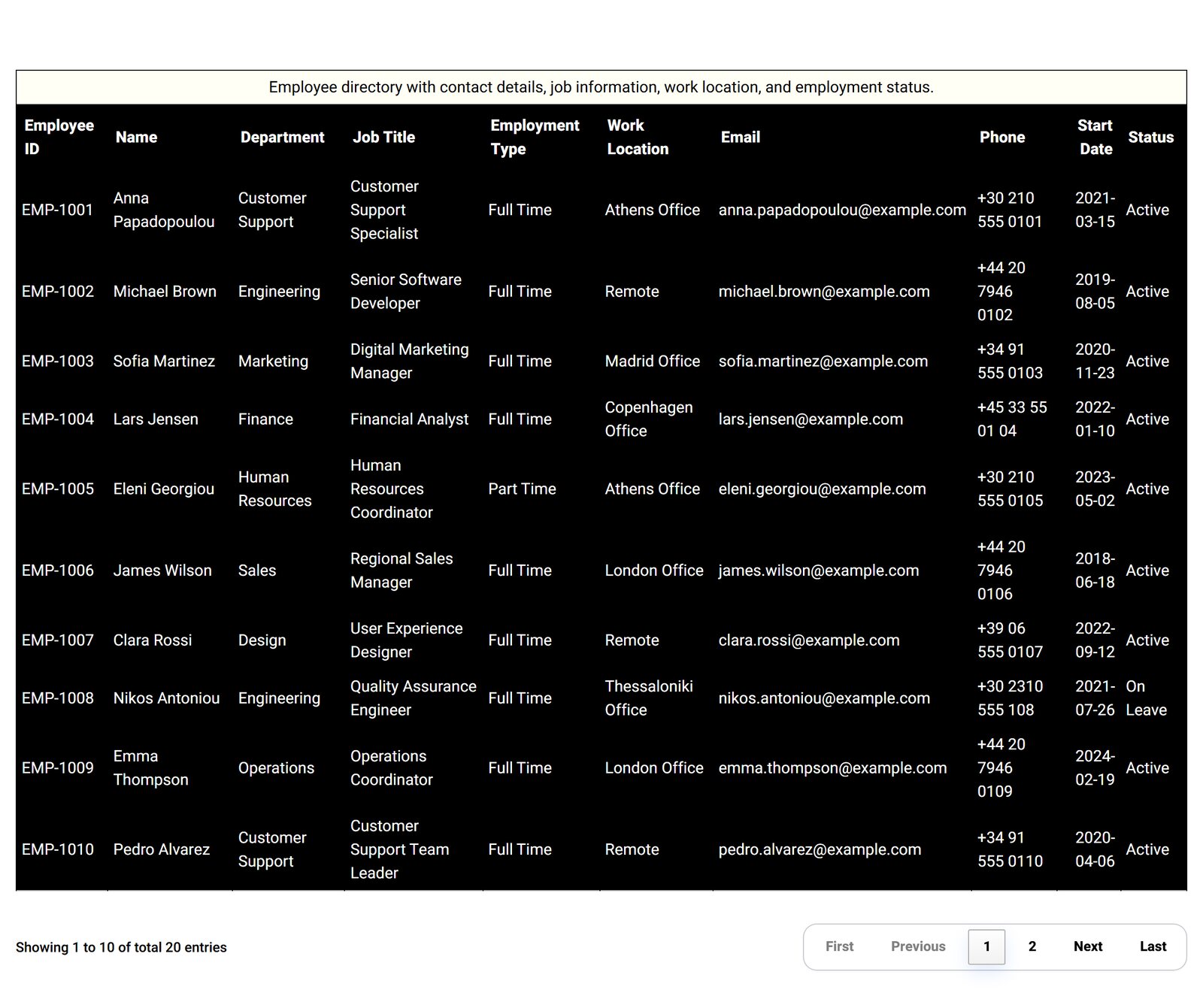
What the Table Wizard Adds
Captions and Descriptions
A visible table caption, an ARIA label, and "described by" text, so screen reader users know what the table is before they enter it.
Column ARIA Titles
Give short or cryptic headers a full spoken name, like "Qty" read as "Quantity in stock".
Keyboard Navigation
Move between cells with the arrow keys, with no mouse needed.
Focus Management
Keyboard focus follows a logical order as visitors sort, filter and change pages (WCAG 2.4.3).
Screen Reader Announcements
Changes such as "Showing 11 to 20 of 100" are announced through a live region, so blind visitors are not left guessing.
Accessible Mobile View
On small screens, keep a real table or switch to a list layout that reads well with assistive technology.
Accessibility Beyond Tables
- High-contrast theme: selected automatically when you turn on accessibility in the Table Wizard.
- Charts get a descriptive label and a link to their data for screen readers.
- Calendars and timelines check your colors against WCAG AA contrast, and turn off scroll animations for visitors who prefer reduced motion.
- Galleries take alt text from a column in your data.
- Data sources have caption and summary fields for WCAG-friendly output.
How It Works
- In the Table Wizard, set Accessibility Status to on. The high-contrast theme is applied as a starting point.
- Write the caption and descriptions, add ARIA titles for unclear headers, and turn on keyboard navigation and announcements.
- Save the ruleset and use it on every table that needs to meet your accessibility policy.
Good Fit For
Government and municipal sites, universities and schools, healthcare providers, NGOs, and any organization with an accessibility statement to live up to.
Questions
Does Tabulizer make my site WCAG compliant?
It gives your tables and visualizations the features WCAG asks for. Compliance also depends on your template and content, so test the whole page.
Do accessible tables still sort and filter?
Yes. Accessibility options work alongside sorting, filtering, pagination and responsive patterns.
Which membership includes it?
Table accessibility is part of the Table Wizard, included in every membership from €36 for 2 months.
Try the Accessible Table with Your Keyboard
Tab into the demo table, use the arrow keys, and listen with your screen reader.